Stella PS5
MisterTemakiUpdated
- v1.0.2
- 30 MB
- GPL-3.0
- zip
- 1131 downloads
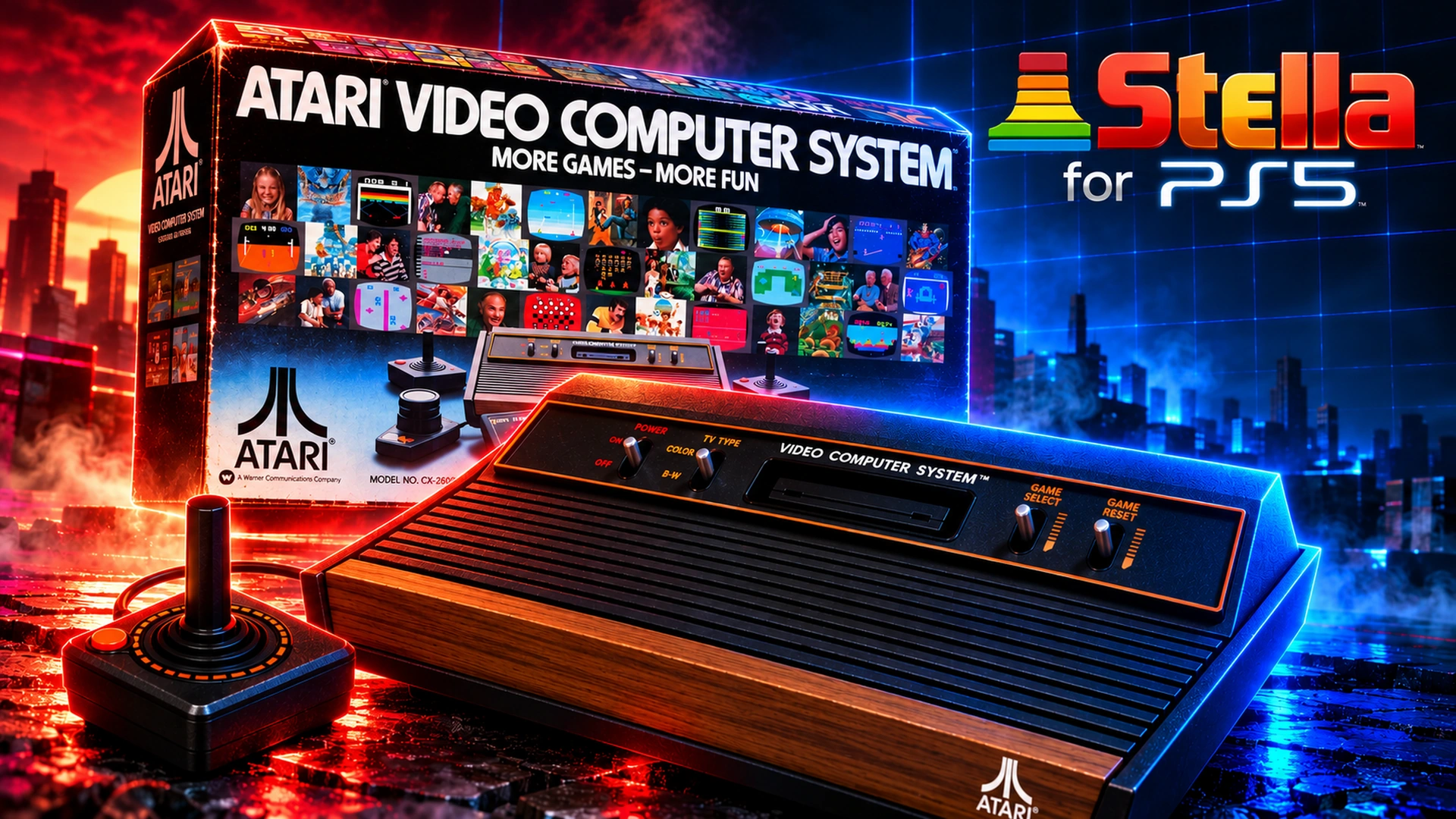
Port of Stella (Atari 2600), Atari 5200, 7800 and Lynx as a native PS5 app.
Release notes
Stella PS5 1.0.2
Fixes from an audit of the whole port. Nothing changes in how the app looks or plays.
Fixed
- Out of memory. A failed memory allocation now raises C++'s
std::bad_alloc, and the code that can handle it catches it. Stella's state loading is one such place: a damaged state file that asked for gigabytes stopped the app; now that state just doesn't load. With Settings > SYSTEM > Debug logs on, the start-up check inboot.log(exceptions: ok) covers it too. - Version number in the build. A new version number now rebuilds everything that carries it. Before, an update could still say the old version was running.
- Updates (the helper's HTTPS client).
- A malformed chunked answer from the server is refused at once, instead of being read past its size limit.
- A redirect from HTTPS down to plain HTTP isn't followed.
- Update journal. It now checks each file's whole SHA-256 instead of its first MiB, so a big
eboot.binput back after an interrupted update is recognised correctly. - Shelf. It no longer waits for ever if the system refuses its drawing threads.
- Crash report. The report in
boot.logis now written whole even when the faulting code keeps no frame pointer.
Updating
- From 1.0.1: Settings > SYSTEM > Updates offers 1.0.2. Or send
StellaPS5-v1.0.2.elfto your payload loader (port 9021). - Put the new ELF in your autoload when you can.
Files
StellaPS5-v1.0.2.elf: send it to your payload loader (port 9021). It installs the app, then stays running as the helper that unlocks it.StellaPS5-v1.0.2-PPSA99927.zip: the app folder, used by Settings > SYSTEM > Updates and the homebrew catalog. You don't need to download it yourself.stella-ps5-v1.0.2-src.zip: the source.
Written by MisterTemaki for v1.0.2. Read the full notes on GitHub
Comments
Safety
- Sandbox: unclear
- Built by the developer
The scan found weak signs that this app may reach the payload loader, and could not settle it.
The developer built and uploaded this file by hand. Nothing ties it to the published source.
From an automatic scan of the release file, which is read and never run. It can miss things: it is not a guarantee. How the scan works
Install
Read the release notes and the project's documentation first. Some apps need extra setup, such as a payload, configuration or additional files, and the developer's instructions take precedence over the general steps below.
- Download
StellaPS5-v1.0.2-PPSA99927.zipand extract it on your computer. - Copy the extracted
PPSA99927/folder to/data/homebrew/on your PS5, for example over FTP. - A loader such as ShadowMountPlus picks it up. Launch Stella PS5 from the home screen.
Verify
This listing is pinned to one exact file. sha256sum StellaPS5-v1.0.2-PPSA99927.zip must print:
071432ec2cba130390cb1d7ba0e15f60284934f46d1aa4d3749e3c44f3b09693This app and its content are the responsibility of its developer, MisterTemaki. Homebrew runs with elevated access on a jailbroken console; install only what you trust.
Source
MisterTemaki/stellaPS5Release v1.0.2
Details
- Title ID
- PPSA99927
- Category
- Emulators
- Version
- v1.0.2
- Format
- ZIP folder
- License
- GPL-3.0
- File
- StellaPS5-v1.0.2-PPSA99927.zip
- Updated
- Downloads
- 1131
No comments yet. Write the first one on GitHub.
Comment on GitHub