
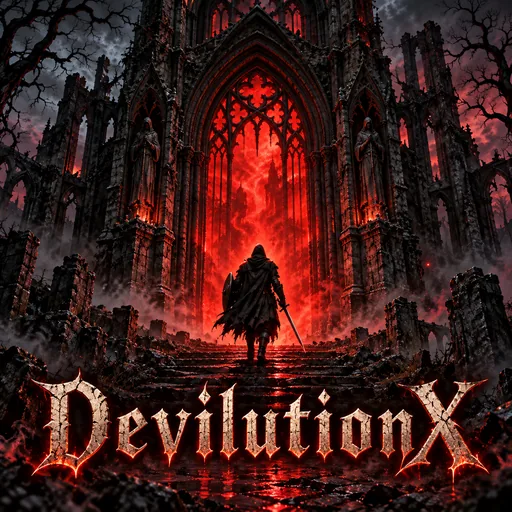
DevilutionX for PlayStation 5
Gary RichesUpdated
- v0.1.0
- 25 MB
- AGPL-3.0
- zip
- 706 downloads
A PS5 homebrew build of DevilutionX, the source port of Diablo and Hellfire, as an installed title (PPSA99308) with a controller, a keyboard and a mouse.
Release notes
The first release: DevilutionX, the source port of Diablo and Hellfire, as a title on the PS5's home screen, played with a controller or a keyboard and mouse. Built from DevilutionX revision b0a3b7ba.
What it does
- An installed title, with its own tile and background, not a payload: start "DevilutionX" from the home screen.
- Controller, keyboard and mouse. The game changes its prompts to whichever you touched last, and shows the DualSense's own symbols for the pad.
- Widescreen, sharp. 960x540 by default, a whole number of the screen's pixels on a 4K or a 1080p television. Settings also offers 1080p, 720p and the original 480p.
- Saves and settings are kept in the title's own folder.
Install
- Unpack
DevilutionX-PS5-v0.1.0.zip. It holds one folder,PPSA99308. - Copy that folder to the console as
/data/homebrew/PPSA99308/. - Copy
DIABDAT.MPQfrom your own copy of Diablo into the same folder, besideeboot.bin. For Hellfire, addhellfire.mpq,hfmonk.mpq,hfmusic.mpqandhfvoice.mpq. - Start "DevilutionX" from the home screen.
No game data is in this download. You need a PS5 that already runs homebrew, with ShadowMountPlus showing the folders in /data/homebrew. The README has the details, and the controls.
Limits
- The game menu is Options and the touchpad button together. Options held alone shows a second set of actions.
- No multiplayer. Networking is not built.
- A new hero gets the random name the game offers unless a keyboard is plugged in: the console's on-screen keyboard is not opened.
- A keyboard types in US layout.
- If the tile does not appear after copying, restart ShadowMountPlus: it does not register new titles after the console has woken from rest mode.
Written by Gary Riches for v0.1.0. Read the full notes on GitHub
Comments
Safety
- Stays in the sandbox
- Built by the developer
The scan found no way for this app to reach beyond its own files: no payload, no connection to the payload loader, no request to a jailbreak service.
The developer built and uploaded this file by hand. Nothing ties it to the published source.
From an automatic scan of the release file, which is read and never run. It can miss things: it is not a guarantee. How the scan works
Install
Read the release notes and the project's documentation first. Some apps need extra setup, such as a payload, configuration or additional files, and the developer's instructions take precedence over the general steps below.
- Download
DevilutionX-PS5-v0.1.0.zipand extract it on your computer. - Copy the extracted
PPSA99308/folder to/data/homebrew/on your PS5, for example over FTP. - A loader such as ShadowMountPlus picks it up. Launch DevilutionX for PlayStation 5 from the home screen.
Verify
This listing is pinned to one exact file. sha256sum DevilutionX-PS5-v0.1.0.zip must print:
1d8a104320dd3fd6f1de44e32643089bb833e86d3ccd335fc1f9cc6e1f013758This app and its content are the responsibility of its developer, Gary Riches. Homebrew runs with elevated access on a jailbroken console; install only what you trust.
Source
griches/PS5_DevilutionXRelease v0.1.0
Details
- Title ID
- PPSA99308
- Category
- PC game ports
- Version
- v0.1.0
- Format
- ZIP folder
- License
- AGPL-3.0
- File
- DevilutionX-PS5-v0.1.0.zip
- Updated
- Downloads
- 706
No comments yet. Write the first one on GitHub.
Comment on GitHub