
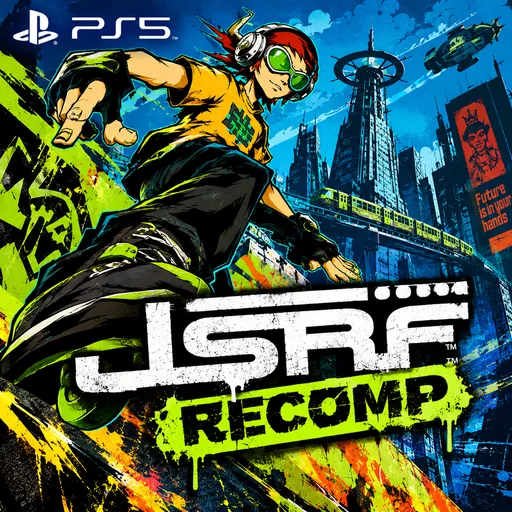
JSRF Unleashed
MariceUpdated
- v00.002.000
- 33 MB
- MIT
- zip
- 1257 downloads
Native PS5 port of JuMatt's JSRF Unleashed, Jet Set Radio Future recompiled, with a Vulkan renderer at up to 4K; needs your own Jet Set Radio Future (USA) disc image.
Release notes
Sharper textures, smoother edges, infinite spray cans and a light bar in your character's colour.
What's new
- Anisotropic filtering: floors and roads stay sharp into the distance.
- Polygon offset: graffiti and other decals on walls no longer flicker.
- SMAA: a new start menu row smooths jagged edges over the finished picture. Off by default.
- INFINITE CANS: a new start menu row keeps your spray cans at your character's most. Nothing of it is saved, so turning it off works at once.
- Light bar: the DualSense's light bar takes the colour of your character and flashes white when you boost.
Updating
- Replace the
PPSA69431folder in/data/homebrew/, or update with ProsperoStore. - Your unpacked game, saves and settings stay in
/data/jsrf-ps5, so the game does not unpack again.
Installing for the first time
- Unpack the
PPSA69431folder from the zip to/data/homebrew/on the console, or install it with ProsperoStore. - Put your disc image of Jet Set Radio Future (USA), a
.isofile, in/data/homebrew/PPSA69431/dump/. Only the standalone US release runs. - Start JSRF Unleashed. The first start unpacks the disc image, which takes about ten minutes. After that you can remove the disc image.
Known limits
- Tested on one console.
- The first start after the unpack takes a while before the picture appears.
Written by Marice for v00.002.000. See this release on GitHub
Comments
Safety
- Stays in the sandbox
- Built by the developer
The scan found no way for this app to reach beyond its own files: no payload, no connection to the payload loader, no request to a jailbreak service.
The developer built and uploaded this file by hand. Nothing ties it to the published source.
From an automatic scan of the release file, which is read and never run. It can miss things: it is not a guarantee. How the scan works
Install
Read the release notes and the project's documentation first. Some apps need extra setup, such as a payload, configuration or additional files, and the developer's instructions take precedence over the general steps below.
- Download
JSRFUnleashed-PS5-00.002.000.zipand extract it on your computer. - Copy the extracted
PPSA69431/folder to/data/homebrew/on your PS5, for example over FTP. - A loader such as ShadowMountPlus picks it up. Launch JSRF Unleashed from the home screen.
Verify
This listing is pinned to one exact file. sha256sum JSRFUnleashed-PS5-00.002.000.zip must print:
3ef79d0ce566ef57e0f127311ae9929764c540360eecc9314bcb2099969a8e3fThis app and its content are the responsibility of its developer, Marice. Homebrew runs with elevated access on a jailbroken console; install only what you trust.
Source
Marice/jsrf-ps5Release v00.002.000
Details
- Title ID
- PPSA69431
- Category
- Console game ports
- Version
- 00.002.000
- Format
- ZIP folder
- License
- MIT
- File
- JSRFUnleashed-PS5-00.002.000.zip
- Updated
- Downloads
- 1257
No comments yet. Write the first one on GitHub.
Comment on GitHub